
Automatic private messages from comments
Send the message you wrote when someone comments on your post. Share a recipe, guide, product link, or booking page in their Instagram inbox or through Messenger.
Heyola · Simple. Fast. Affordable.
Turn comments into conversations without building complicated flows. Heyola brings keyword replies, private messages, and your connected accounts into one simple place.
Start freeFor Creator and Business accounts: turn comments on posts and Reels into private messages and optional public replies. No Facebook Page is required to connect Instagram.
Explore Instagram comment automationFor Facebook Pages you manage: send a Messenger private message, reply publicly, and optionally like the comment. Check the Page connection and listening status in your dashboard.
Explore Facebook comment automationSend the message you wrote when someone comments on your post. Share a recipe, guide, product link, or booking page in their Instagram inbox or through Messenger.
Use up to 10 keywords in one automation. Matching ignores upper and lower case and finds your keyword inside longer text. Or choose any comment to send your message without a keyword.
Create a specific reply for one post, or use the same automation across your account’s posts. Instagram Reels are supported too. A post-specific automation takes priority over an all-posts rule.
Add an optional reply under the comment as well as a private message. Write up to three reply versions; Heyola picks one at random for each matching comment.
On Facebook Pages, switch on Like their comment to add a like when your automation runs. This feature is Facebook-only; Instagram does not support comment likes through its connection.
Manage connected accounts in one place and give each account its own automations. Choose which authorized Facebook Pages to connect, rather than connecting every Page you manage.
Check sent messages, confirmed reads, and tracked link clicks. A read is shown only when there is a read receipt or a link visit—not guessed. See which automations bring people to your link.
See new activity in your dashboard as automations run. Optional sound alerts let you know when a new result arrives, without checking the log by hand.
Connect through Instagram or Facebook’s official login; Heyola never sees your social account password. Edit messages, update links, pause automations, or disconnect an account when you need to.
Already writing posts with Claude? Ask it to create your Heyola automation in the same conversation. Change a message, update a link, or check results from an app that supports MCP.
“My Facebook post is ready. When someone comments RECIPE, like their comment, use my usual reply, and send them a private message with the link to the recipe we made yesterday. Switch it on.”
“Your automation is live. When someone comments RECIPE, it will like their comment, reply with your usual wording, and send them yesterday’s recipe link in a private message.”
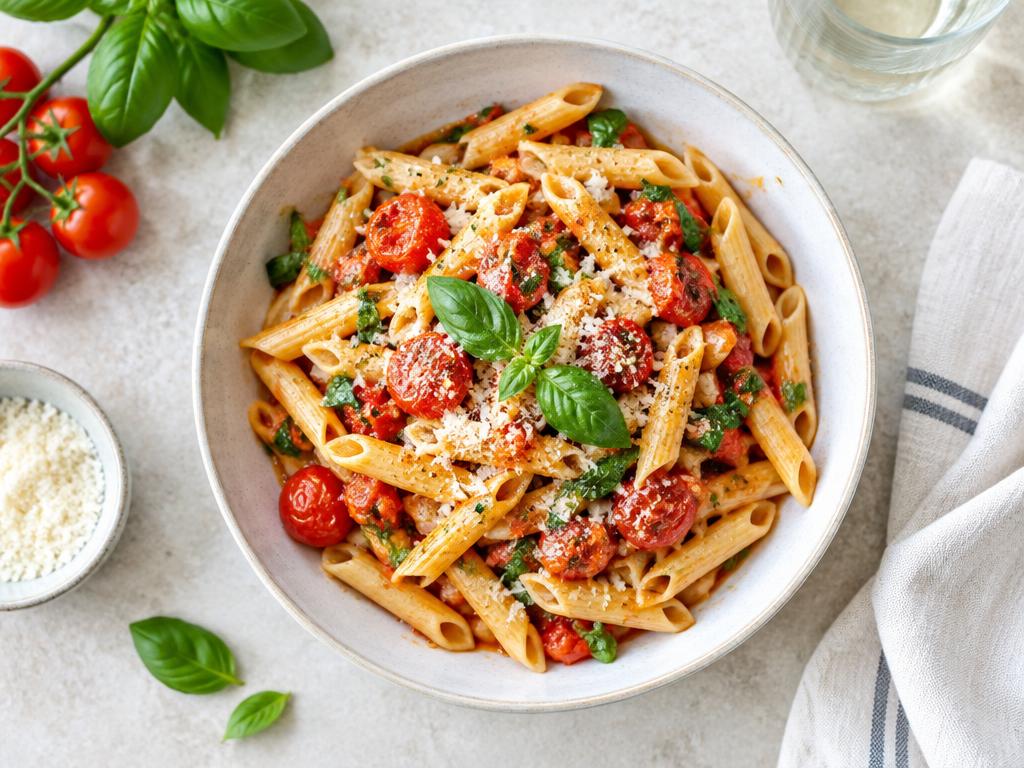
My recipe post
Comment RECIPE → get the recipe link
Live
Included in Creator & Agency
Connect Heyola as your own account. The connector can manage your accounts and automations; what you can connect depends on the other app and its plan.
Read the connector guideFree limits are shared across your accounts. Paused automations do not count as live. Sending follows Meta’s messaging rules and requires the relevant permissions.
See plans and pricing